
Initial Registration
- Open the invitation email.
- Click the Registration link in the invitation email to register.
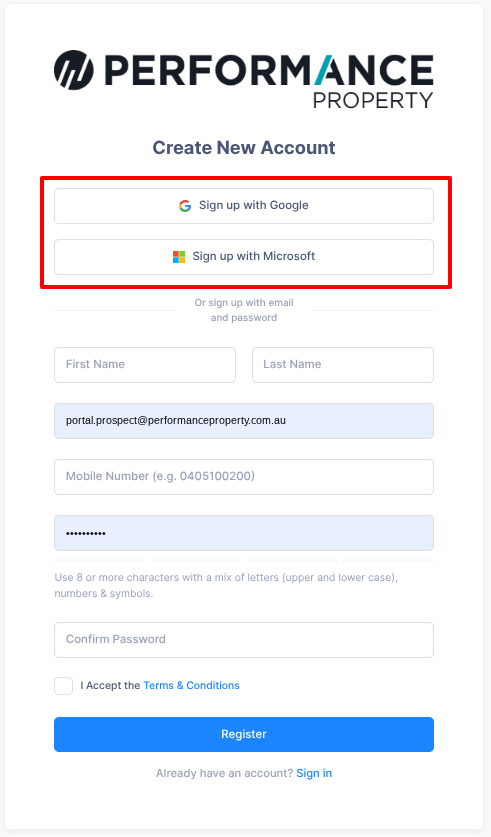
- If you have a Google (Gmail) account, register by clicking Sign up with Google
- If you have an Outlook, Hotmail or other Microsoft account, register by clicking Sign up with Microsoft.
- If you don't have a Google or Microsoft account, you can complete the form and sign up manually using an email address and password.
Sign In
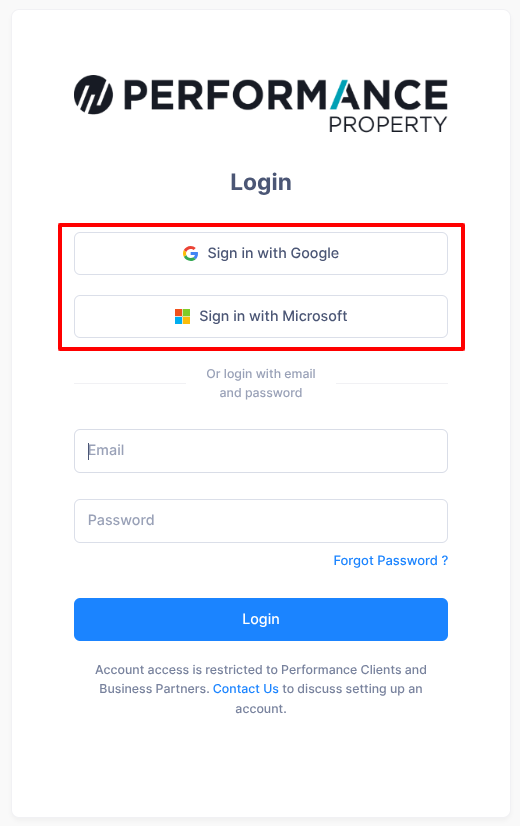
- Once registered, you can log into the portal by clicking Sign in with Google or Sign in with Microsoft if you registered using your Google or Microsoft account.
- If you didn’t register with a Google or Microsoft account, you can log in manually using an email address and password.
If you need help, please contact our portal support team for assistance at portalsupport@performanceproperty.com.au